

How to Build Cheap Gaming PC with Steps
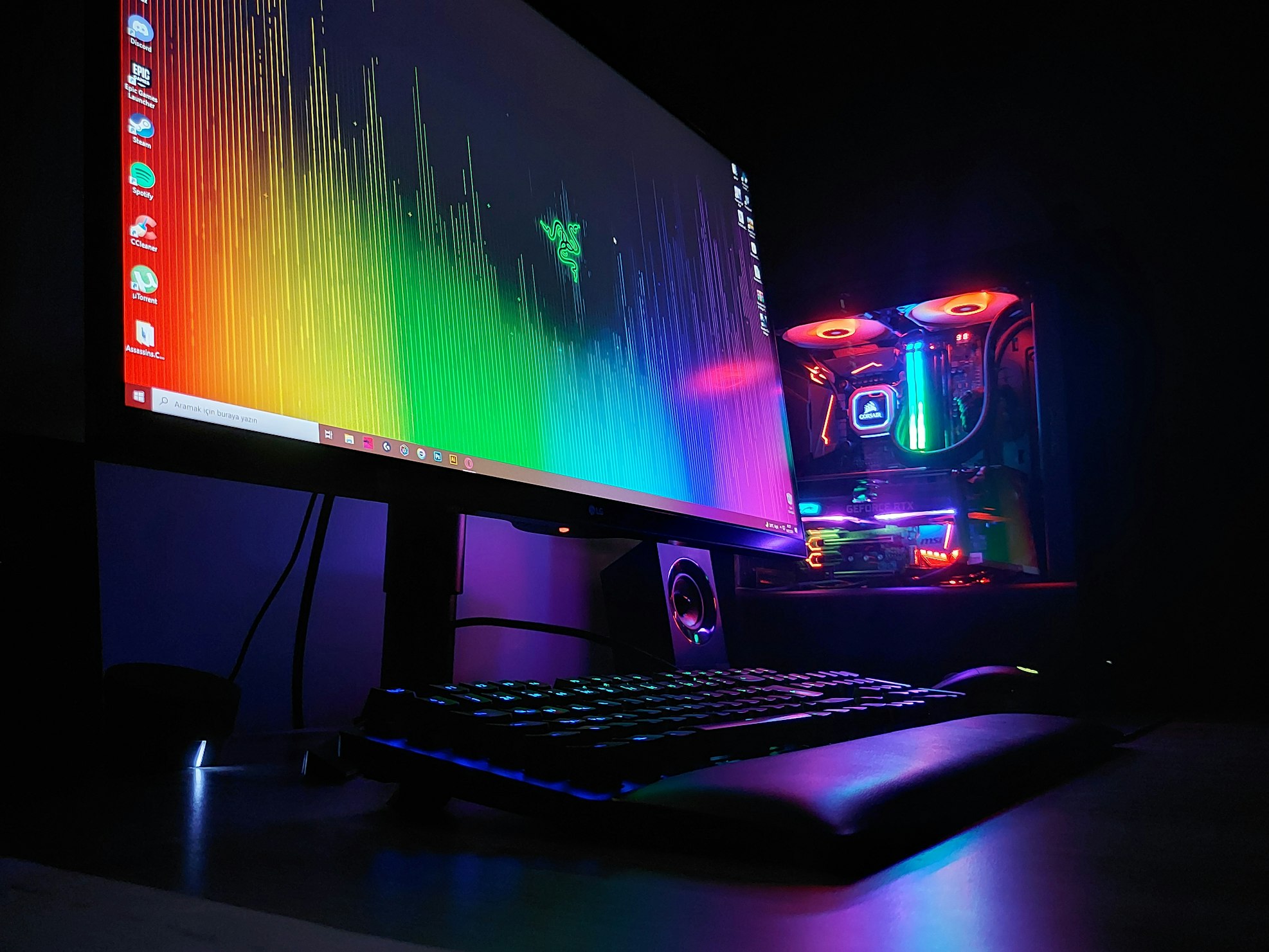
There are numerous and diverse options available in the world of gaming computers, which can make some people feel overwhelmed by the number of choices and devices available. Therefore, we provide you with this guide to help you choose an affordable gaming PC step by step!
Knowing the specifications of a suitable cheap gaming PC
The first step is always to identify your requirements for a budget gaming PC. You should start by analyzing your gaming needs.
What type of games do you want to play? Do you prefer games with high graphics and high quality, or are you satisfied with games that have less detailed graphics? Are you interested in competitive gaming and aiming for a high FPS rate? Or is a rate of 60 FPS sufficient for you?
There are also other factors you need to consider, such as the required storage space and screen size. Do you need a large storage capacity for games and other files, or is a smaller space sufficient for you? And what is your preferred screen size? Are you looking for a 144Hz gaming monitor?
After identifying your requirements, set a budget for purchasing an affordable gaming PC. This will allow you to narrow down the price range of devices that suit your needs and offer the best value for your money.
Here’s how you can choose a complete and affordable gaming PC by identifying your specific needs:
Analysis of gaming needs
Assessing your gaming needs is crucial when selecting an affordable gaming PC. Start by identifying the types of games you want to play. Do you aim to run high-graphic quality games like Hellblade 2: Senua's Saga? Are you looking to create intricate Minecraft worlds? Or are you satisfied with games that have lower graphic demands, such as Roblox?
Also, estimate the amount of storage space you will need to store games and other files. Do you require a large storage capacity, or will a smaller amount suffice? Additionally, don't forget to consider your preferred screen size.
In general, at PC Cloud Store, we always recommend opting for larger storage while maintaining disk speed. This is because game sizes are continually increasing, and you won't need to purchase another disk in the future. Therefore, you might consider getting an M.2 SSD with 1 TB of space, for example.
The full PC gaming experience isn't complete without a gaming mouse and a professional keyboard suitable for various uses and games. While many people overlook these components, they directly impact the user experience.
Setting a budget for buying a Gaming PC
When setting your budget, it's important to consider the amount of money you can allocate for the new PC. Determine the maximum amount you can spend and try to be realistic by accounting for adequate storage space and the requirements of the games you want to play.
If your budget is limited, you might need to sacrifice some luxury features. Create a clear plan to allocate your budget across various components like the CPU, graphics card, RAM, and storage capacity. Then, start comparing prices of affordable gaming PCs that fit within your budget and choose the best option for you.
The Difference Between a Gaming Computer and a Regular Computer
There are several differences between gaming computers and regular computers. One of the primary distinctions is the compatibility between various components. It's not enough to simply purchase powerful parts; you must also ensure that they work well together.
The difference also appears in the attention given to the graphics card and processor; these components do not significantly impact regular devices but have a substantial effect in gaming systems. The same holds true for the random access memory (RAM).
Tips for choosing a complete PC:
Look for deals and discounts on affordable gaming PCs to get the best value for your money.
Avoid purchasing unnecessary add-ons beyond the essential computer components.
Compare cheap gaming PCs and match your budget with the requirements of the games you want to play.
Look for devices that are compatible with future updates to avoid the need to purchase a new device soon.
Don't forget to allocate a portion of your budget to purchase a gaming mouse and a high-quality keyboard.
If you encounter difficulties selecting the computer components you want, all you need to do is reach out to the Sahaba technical support team, and we will provide you with advice on choosing the best budget-friendly gaming PC that suits your needs.
Researching and reviewing gaming PC prices
When looking for PC prices, it is advisable to take the necessary time to review offers for affordable gaming PCs and the discounts available in the market. Use popular search engines to find reputable computer and gaming stores. Compare prices, specifications, and reviews by reading customer feedback and reaching out to the technical support team for more information.
Look for options that fit your budget and check for warranty availability (at Sahaba, we offer a two-year warranty on all parts) and technical support services. Don't forget to consider the importance of component quality and device performance to ensure an excellent gaming experience.
Exploring available options
When looking for options to buy an affordable gaming PC, you need to consider several factors. Visit online stores and search for deals and discounts that fit your budget. Check the requirements of the games you want to play and make sure the PC meets those requirements.
Also, make sure to read reviews and visit specialized forums to benefit from the experiences of other users. Don't forget to consider the quality of components, warranty, and after-sales service provided.
Here are some tips:
- Compare prices of different devices.
- Check the game requirements and compare them with your device specifications.
- Read the reviews and learn from the experiences of others.
- Verify the quality of the warranty and the after-sales service.
- Visit the stores and inquire about any additional information you may need.
- Reviewing device specifications and choosing a complete PC.
Before making a purchase decision, you need to verify some aspects and conduct a final review of the specifications of the gaming PC you have chosen. Make sure to check the following points:
First, check the processor’s power and speed, as this affects gaming performance. If you buy a budget gaming PC with a Core i3 processor, even if it’s from the 13th generation, it won’t run games well. However, if you upgrade the processor to a Core i7, even if it’s from an older generation, it will be sufficient for gaming.
Next, make sure to check the RAM capacity. It should be sufficient to run games smoothly. At Sahaba, we always recommend acquiring over 16 gigabytes of RAM for optimal performance and to ensure games run without any issues.
You should also pay attention to the screen size and resolution, as they have a clear impact on the quality of graphics. There are 4K gaming monitors and 27-inch gaming monitors with a 144Hz refresh rate, among many other different specifications. Additionally, the screen size and specifications directly influence the specifications of a gaming PC. You wouldn't want to buy a large monitor that your device can't operate properly.
Don't forget to consider the storage capacity and type of hard drive. It's always recommended to opt for a hard drive with more than 1 terabyte of space and of the M.2 SSD type.
Make sure to carefully review the specifications and compare them with the game requirements and your personal needs.
S7abh recommends! Affordable PC gaming options.
There are many decisions you need to make when looking for a complete PC. Since we understand that such a process can be somewhat exhausting and difficult for some, we at Sahaba have added a collection of affordable gaming computer bundles suitable for everyone, such as:
Cheap Gaming Build B9 from Sahaba:

This build includes an Intel Core i3 12100F CPU, a Nvidia GTX 1650 graphics card, and a Xigmatek Phantom Arctic White gaming case. It's suitable for running Fortnite at a decent FPS rate and resolution. Available at the Sahaba store, it comes ready to operate with compatible components, starting at a price of 2500 SAR.
B12 Pc Gaming Build

PC Sahaba Store offers this build with slightly higher specifications, featuring a Core i5 12400F processor, an RTX 3060 graphics card, and an Xigmatek master X ARGB Black gaming case. This setup is ideal for mid-range gaming enthusiasts and those seeking optimal performance with modern games. The build is available for direct purchase at the Sahaba store for 3600 SAR.
Buying Installment PC Gaming
Sahaba also offers the option to purchase gaming PCs in installments through a collaboration with Tabby, a financing company that ensures installment plans comply with Islamic principles, with fixed monthly payments for up to 4 months. You can take advantage of these installment options for all products available in the store, so you can buy a graphics card with Tabby installments if you wish.
The Final Decision
After reviewing the specifications and prices of PCs, it's time to make the final decision on choosing the right PC for you. Evaluate the importance of each aspect of your requirements in addition to the budget you have available.
Compare the performance of gaming PCs and ensure they meet the specifications you need, such as processor power, memory size, and storage capacity. Then, look for user reviews and product reviews before making your final decision. Refer back to the list of tips mentioned above for additional guidance on selecting the right device.
After that, purchase the device that meets your needs and fits within your budget.
Comparing PC prices and performance of devices
When comparing the prices and performance of PCs, you should take several factors into consideration. Look at the processing power (a Core i5 processor is always a good choice), the amount of memory, and the storage capacity of each device.
Next, compare the speed and performance each device offers based on its specifications. Then, review devices from various brands and manufacturers to get a clearer understanding of the available price and performance options. Make sure to read user reviews of the selected devices to gauge their satisfaction.
improve the performance of a budget gaming PC
To enhance the performance of an affordable gaming PC, here are some helpful tips:
Upgrading Computer Components: Update the computer's processor, graphics card, and RAM to enhance gaming performance.
Adjust Settings: Optimize the game's visual settings to ensure better performance and a smoother gaming experience.
Install the correct drivers: Make sure to install the latest drivers for all key components, such as the graphics card and motherboard.
Beware of background processes: Close unnecessary programs and processes running in the background to free up system resources and enhance gaming performance.
Cleaning the Computer: Clean the hard drive and remove unnecessary files to free up space and enhance system performance.
Updating software and applications: Make sure to download and install the latest updates for your software and applications to improve system performance and ensure compatibility with the latest games.
Regular Review: Regularly run disk scans, system optimizations, and error fixes to maintain excellent performance.
Remember that following the advice mentioned in the previous paragraphs can help you improve the performance of an affordable gaming PC and enhance your gaming experience.
Upgrading the main components
To enhance the performance of a budget gaming PC, you might need to upgrade its key components. Start by updating the current processor to a more powerful and faster one to handle data better and improve gaming performance. Additionally, upgrade the graphics card to a more robust one with ample memory to run games at high quality. Increasing the random-access memory (RAM) can also help the computer run games more quickly and smoothly. Ensure that the new components are compatible with the rest of the hardware in the system. It may be useful to consult a technology expert for appropriate advice on these specific upgrades.
Optimizing settings for a better experience
To achieve better performance on a budget gaming PC, you can adjust settings to enhance your experience. Update your graphics card drivers to the latest version available to improve game performance. Lower graphics settings such as quality and resolution if you experience lag. Adjust power settings to avoid any unnecessary noise or power leaks. Update your operating system and ensure you've installed the latest security updates and driver updates. Make sure to turn off any unnecessary programs while gaming to achieve better performance. Use security software to scan and clean the system of malware and viruses.